The market for AI coding assistants is no longer limited to basic code autocompletion. Developers now choose between distinct developer ecosystems: terminal-first command line tools, fully-featured AI IDEs, and open-source multi-agent environments.
Today, we break down three of the most powerful tools: Claude Code, Cursor, and OpenHands.
🛠️ The Contenders
1. Claude Code (Terminal-First Agent)
Developed by Anthropic, Claude Code is a command-line interface (CLI) tool that interacts directly with your terminal and file system. It uses optimized tokens and command history to execute multi-file refactoring, debugging, and git management.
- Best For: Senior developers who live in Vim/Tmux and want an agent that works directly alongside their terminal workflows.
2. Cursor (AI-Native IDE)
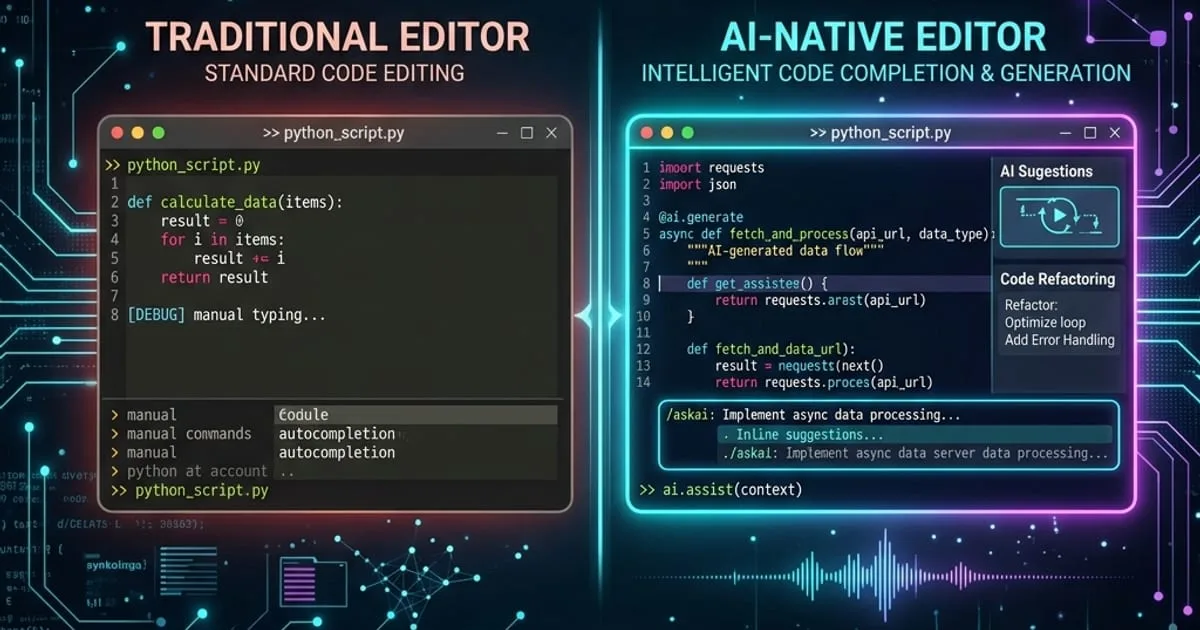
Cursor is a fork of VS Code that integrates LLM reasoning deeply into the editor UI. It features a Composer panel for editing multiple files simultaneously and autocomplete features that predict edits before they are typed.
- Best For: Developers seeking a polished, visual IDE experience with seamless cloud completion.
3. OpenHands (Open-Source Multi-Agent Framework)
OpenHands (formerly OpenDevin) is an open-source, model-agnostic platform. It runs inside a Docker sandbox and allows you to create autonomous workspace sessions with a variety of LLMs (e.g. Claude, GPT-4, or local models).
- Best For: Teams needing self-hosted options, security isolation, or model flexibility.
📊 Feature Comparison
| Feature | Claude Code | Cursor | OpenHands |
|---|---|---|---|
| Primary Interface | Command Line (CLI) | Visual IDE (VS Code Fork) | Web UI + Docker Sandbox |
| Model Lock-In | Locked to Anthropic | Supports multiple (custom keys) | Open / Model-Agnostic |
| Workspace Control | Read/write files locally | Deep IDE integration | Sandboxed Docker |
| Self-Hosting | No | Partially (with API key) | Yes (Full) |
| Cost | Direct Token Billing | Monthly Subscription | Direct Token Billing |
💡 Key Architectural Differences
- Isolation: OpenHands runs inside Docker, meaning if the agent runs
rm -rf, it only affects the sandbox. Claude Code executes commands in your local shell (asking for permission first), giving it faster execution speeds but requiring active human monitoring. - Context Handling: Cursor is excellent at structural codebase indexing (generating vector embeddings of your files). Claude Code utilizes shell-based search tools (
grep,find) dynamically, which is faster and highly context-aware for smaller projects.
🎯 Which One Should You Use?
- Choose Cursor if you want the smoothest transition from VS Code and want AI-assisted development built directly into your primary workspace.
- Choose Claude Code if you are a command-line power user who wants a fast, terminal-based companion to refactor files and write git commits.
- Choose OpenHands if your enterprise has strict security rules requiring Docker execution sandboxing or if you want to use open-weights local models.