Overview
DevGarbage Cleaner is an automated, high-performance storage optimization utility designed specifically for software developers. It safely identifies and purges gigabytes of obsolete build artifacts, dependency caches, compile outputs, and Windows system files across multiple project frameworks without endangering a single source code file, secret token, or git history.
Platform & System Specifications
- Application Type: Native Developer Storage Optimizer & System Cleaner
- Supported Platforms / OS: Windows 10 & Windows 11 (64-bit)
- Distribution Format: Standalone Portable & Windows Installer (NSIS)
- Target Audience: Software Engineers, DevOps Professionals, and Full-Stack Developers
- Operational Model: Local File System Scanner with Safe Confirmation Checkpoints & Recycle-Bin First Policy
📸 Interface Tour & Screenshots
1. Landing Screen
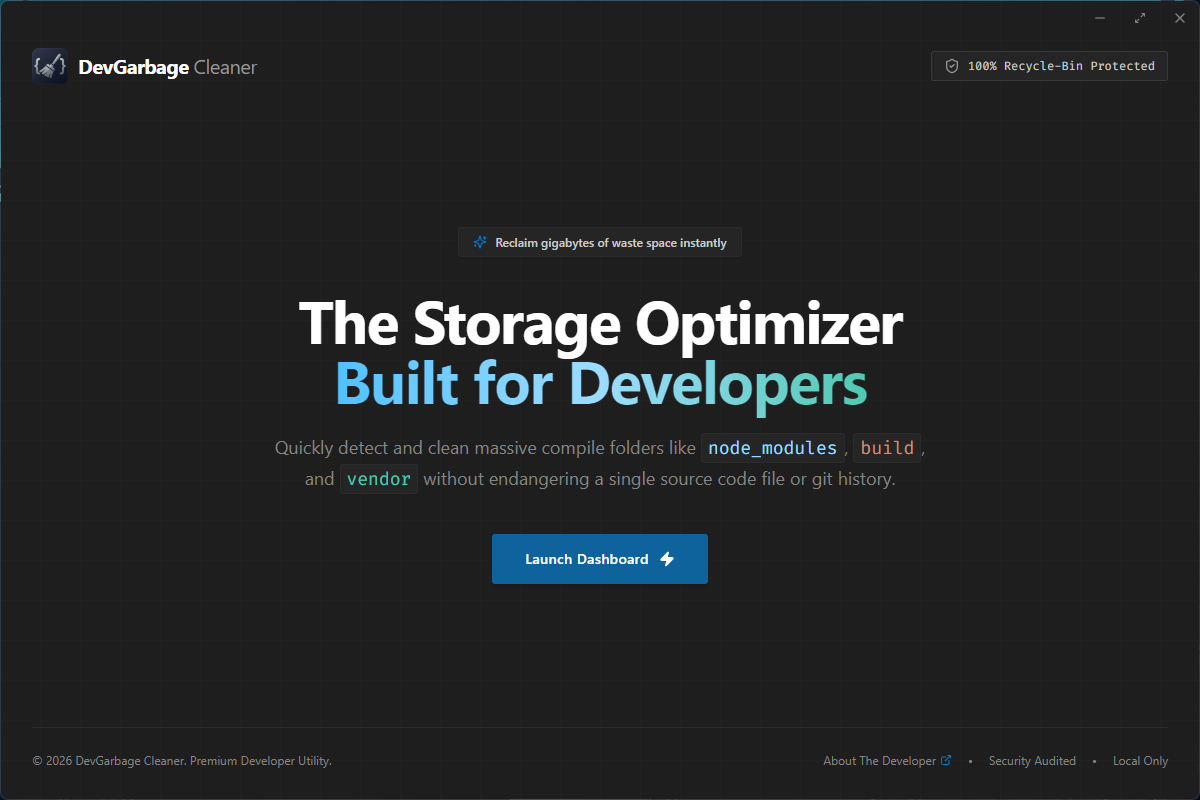 Clean, minimalist developer welcome screen with non-intrusive frameless window controls and quick dashboard launch.
2. Overview Dashboard
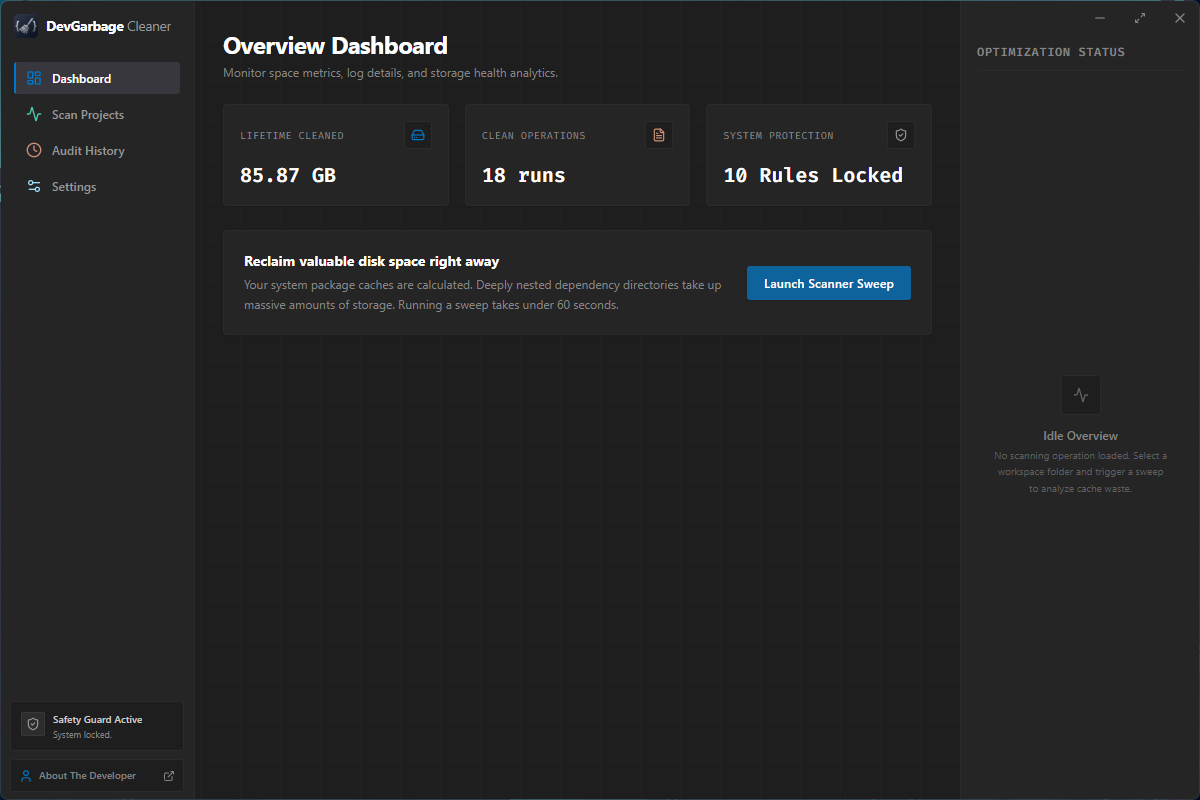 Real-time storage health analytics showing lifetime reclaimed gigabytes, clean operations count, system protection status, and quick scan triggers.
3. Workspace Mode — Project Cleanup
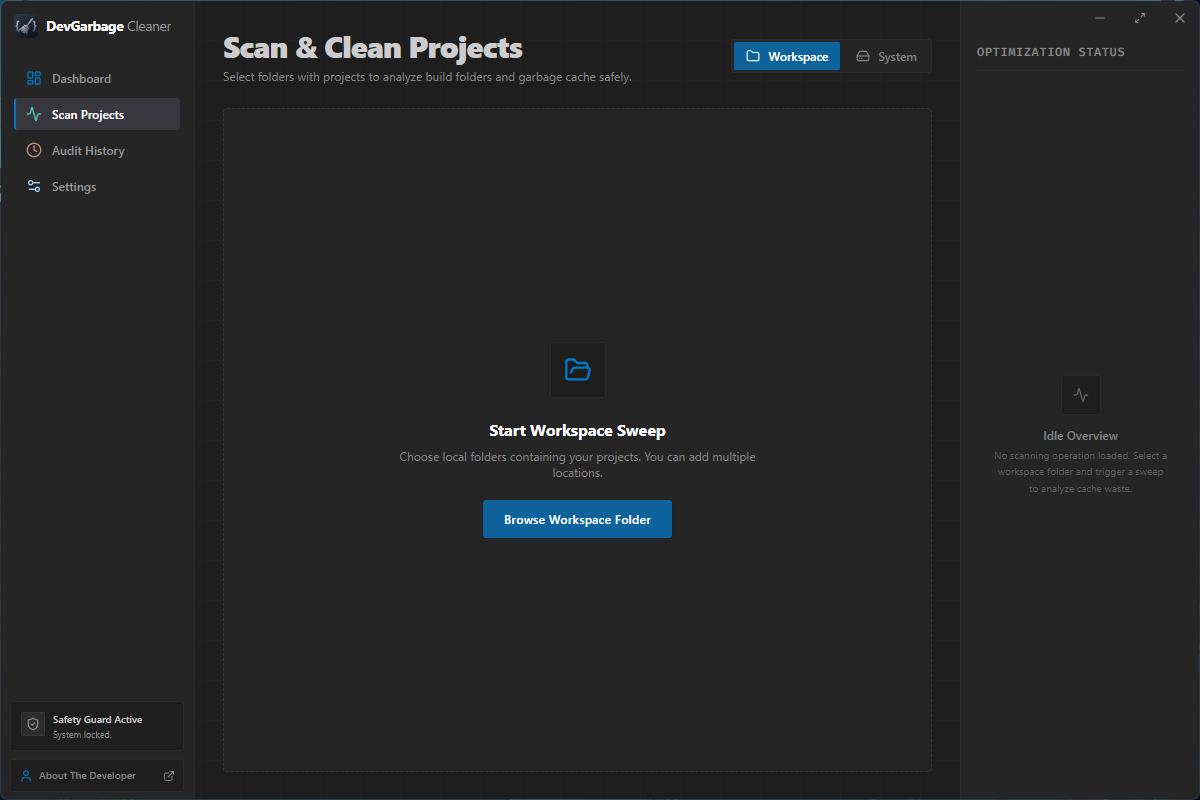 Recursive workspace directory scanning that maps project boundaries and isolates disposable compile artifacts across Node, Python, Rust, Flutter, Laravel, and more.
4. System Cleanup Mode — 26+ System & Tool Caches
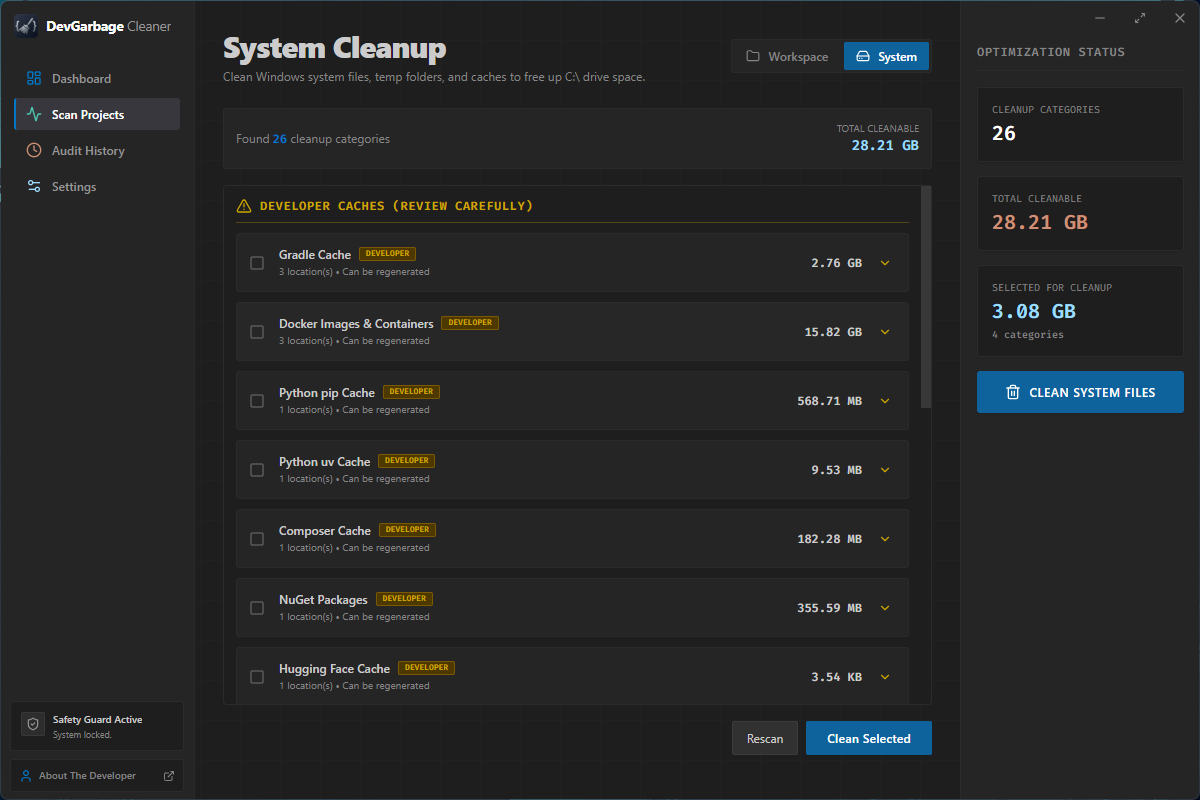 Dual-mode scanner targeting heavy developer tool storage (Docker, Gradle, Python pip/uv, Hugging Face, Composer, NuGet) alongside Windows temporary system caches.
5. Historical Audit Deletion Log
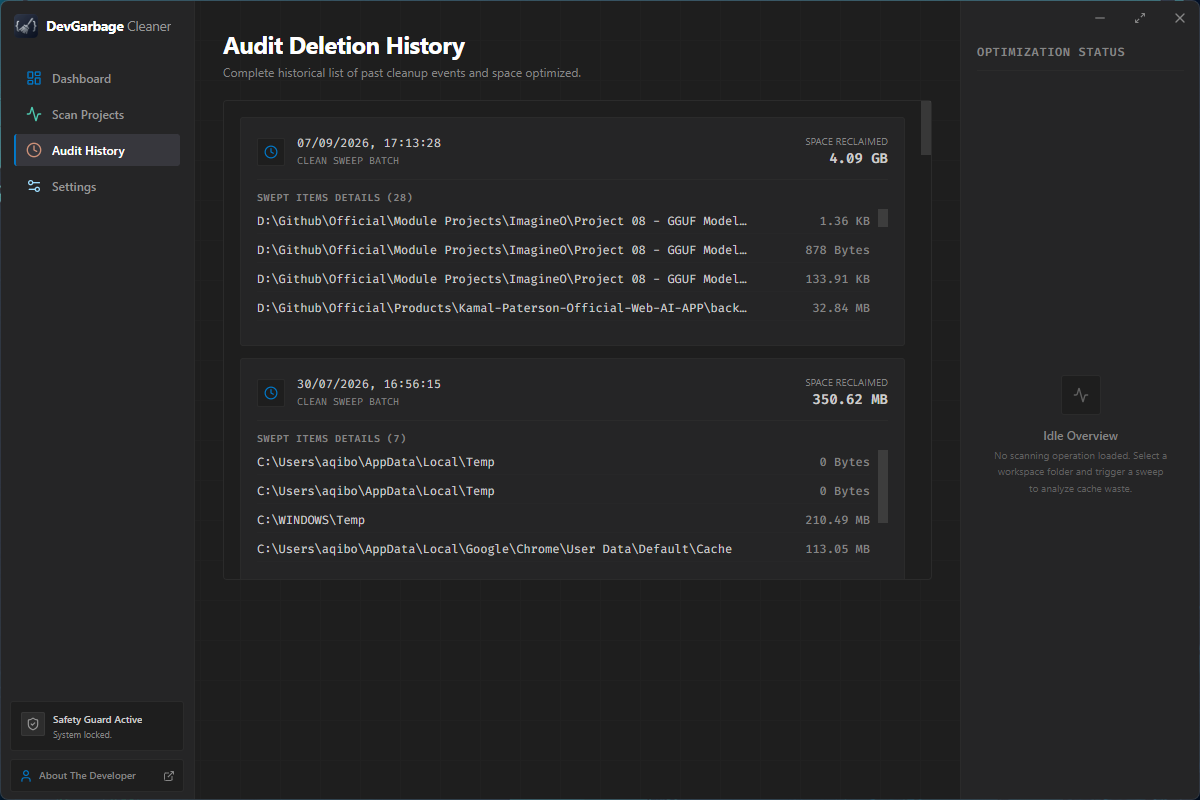 Comprehensive audit trail logging every past batch sweep with precise timestamp, recovered space tally, and granular file path breakdowns.
6. System & Scan Settings
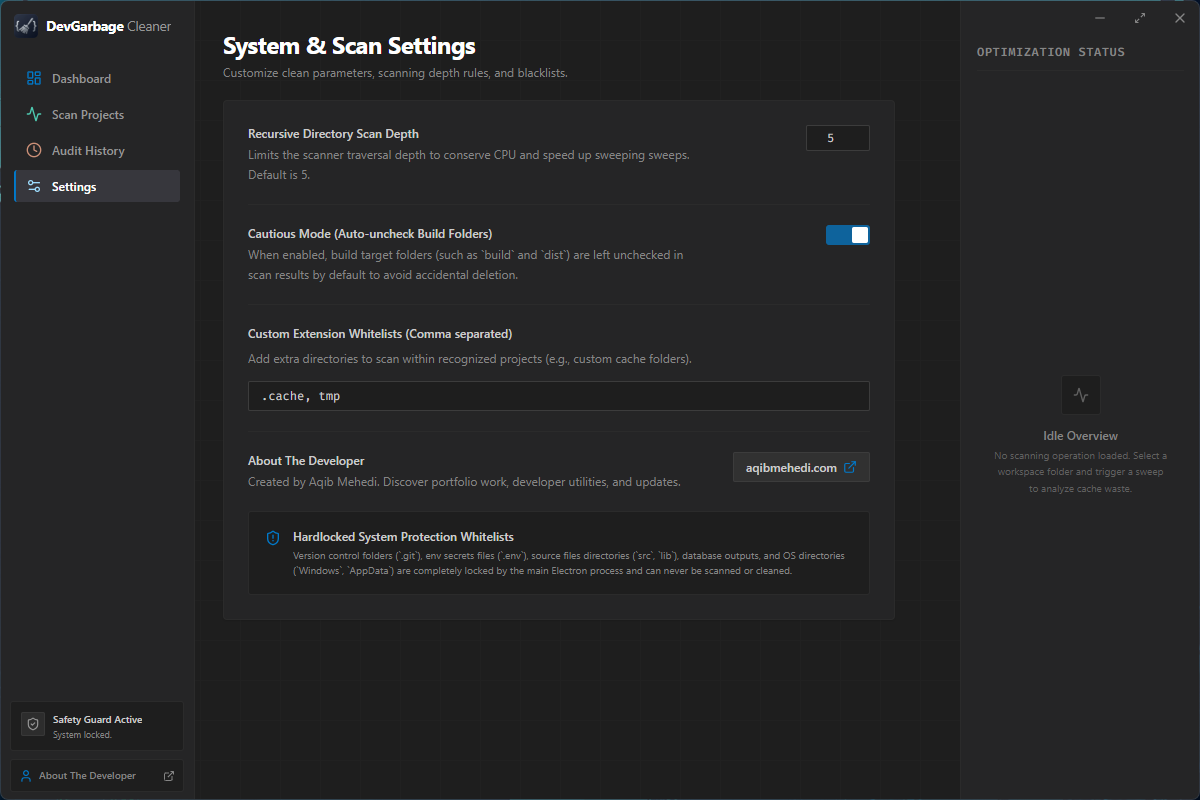 Customizable scan recursion depth (1–10 levels), cautious build folder unchecking, user extension whitelists, hardlocked protection overview, and developer links.
✨ Features
Dual-Mode Cleaning System
Workspace Mode — Project-Based Cleanup
Scan local workspace folders containing your development projects and clean build artifacts safely:
| Stack | Marker File | Garbage Targets |
|---|---|---|
| Node.js | package.json | node_modules, .eslintcache, .next, .nuxt, .turbo, dist, build, .cache, coverage, .parcel-cache, .vite |
| Flutter/Dart | pubspec.yaml | build, .dart_tool, .packages, .flutter-plugins |
| Laravel/PHP | composer.json | vendor, bootstrap/cache, storage/logs, storage/framework/* |
| Rust | Cargo.toml | target, Cargo.lock |
| Python | requirements.txt, pyproject.toml, Pipfile | __pycache__, .venv, venv, .pytest_cache, .mypy_cache, dist, build, *.egg-info, .ipynb_checkpoints |
| Go | go.mod | vendor, bin, pkg |
| .NET/C# | *.csproj, *.sln | bin, obj, packages, .vs, TestResults |
| Java/Gradle/Maven | pom.xml, build.gradle | target, .gradle, build, .idea, .classpath |
| Ruby/Rails | Gemfile, Rakefile | vendor/bundle, tmp, log, .bundle, coverage |
| Elixir/Phoenix | mix.exs | _build, deps, .elixir_ls, cover, doc |
| Swift/iOS | Package.swift, *.xcodeproj | build, .build, DerivedData, Pods, .swiftpm |
| Android | build.gradle, settings.gradle | build, .gradle, .idea, app/build, captures |
| Unity | ProjectSettings, Assets | Library, Temp, Obj, Build, Logs, UserSettings |
Workspace Capabilities:
- Multi-location selection: Add multiple workspace folders
- Recursive project detection up to 10 levels deep
- Individual folder selection with checkboxes
- Expandable project tree view with size badges (Low/Medium/Large)
- Active process detection warnings
System Mode — Windows System Cleanup
Clean Windows system files, temporary folders, and developer tool caches:
Developer Caches:
- Gradle Cache (
~/.gradle) - Android Emulator Images (
~/.android/avd, SDK system-images) - Docker Images & Containers (
AppData/Local/Docker) - Maven Repository (
~/.m2/repository) - npm/yarn Global Cache
- Python pip Cache & uv Cache
- Composer Cache
- NuGet Packages
- Kiro Logs & Crash Reports (
AppData/Roaming/Kiro) - LM Studio Cache & Models (
~/.lmstudio,AppData/Local/lm-studio-updater)
System Files:
- Temporary Files (
%TEMP%,C:\Windows\Temp) - Browser Caches (Chrome, Edge, Firefox)
- Windows Update Cache
- Thumbnail Cache
- System Logs
Safety-First Architecture
- Hardcoded Blacklist:
.git,.env,src,lib,app,Dockerfilecan never be touched - System Directory Protection:
System32,Program Files,ProgramDataare permanently locked - Drive Root Prevention: Scanning
C:\orD:\directly is blocked - Recycle Bin First: All deletions attempt Windows Recycle Bin (recoverable)
- Permanent Delete Fallback: Deeply nested folders use
rmdircommand with 30-second timeout - Cautious Mode:
buildanddistfolders are left unchecked by default - Double Confirmation: Safety modal shows exactly what will be cleaned
- Active Process Detection: Warns when folders are in use
Modern UI/UX
- Frameless Window with custom title bar (minimize, maximize, close)
- Dark Professional Theme with blue/indigo accents (VS Code inspired)
- 3-Column Dashboard Layout (Sidebar / Main Content / Stats)
- Dual-Mode Toggle — Switch between Workspace and System cleanup
- Expandable Categories — Click to reveal individual folder paths
- Real-Time Log Viewer — Watch cleanup progress live
🛠️ Tech Stack
- Frontend: React 19, Tailwind CSS v4, Lucide React Icons
- Desktop Shell: Electron 34
- Bundler: Vite 6 with
vite-plugin-electron - Installer: electron-builder (NSIS)
- Deletion Engine: Native Windows Shell API via PowerShell +
rmdirfallback
🔒 Security & Privacy
- 100% Local: No data is sent to any server
- No Telemetry: Zero tracking or external analytics
- Audit Logs: All operations logged locally in
%APPDATA%/devgarbage-cleaner/cleandev_audit_log.json - Recycle Bin First: All deletions attempt recoverable Recycle Bin move
- Blacklist Protection: Critical system files permanently protected