UI-TARS: Vision-Language Models That Navigate Any User Interface
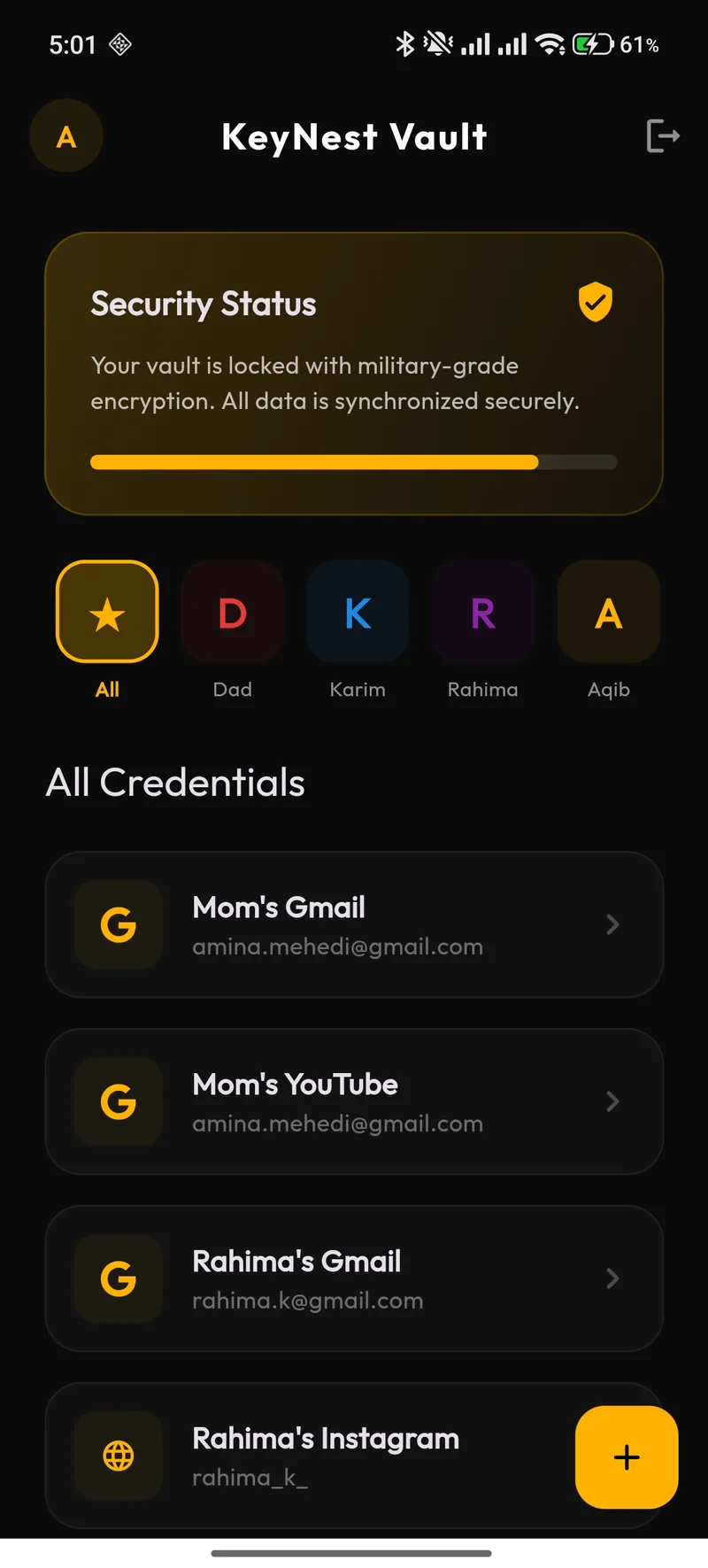
UI-TARS (UI Task Automation via Reasoning over Screenshots) represents a breakthrough in GUI automation — AI that understands user interfaces purely from visual screenshots, without requiring DOM access or API integrations.
1. How UI-TARS Works
[ Screenshot of Application ] → [ Vision-Language Model ]
                                        |
                                        ├── Understand UI layout
                                        ├── Identify interactive elements
                                        ├── Determine next action
                                        └── Generate click coordinates
                                        |
                                        v
                                [ Execute Action ]
                                        |
                                        v
                                [ New Screenshot → Repeat ]
2. Applications
| Use Case | Description |
|---|---|
| Legacy Software Automation | Automate workflows in applications with no API |
| Cross-Platform Testing | Test any application by visual interaction |
| Accessibility | Help visually impaired users navigate interfaces via voice |
| RPA Replacement | More robust than brittle selector-based RPA bots |
3. Comparison with Traditional Automation
| Factor | Selenium/Playwright | RPA (UiPath) | UI-TARS |
|---|---|---|---|
| Requires DOM/API access | Yes | Partial | No |
| Breaks on UI changes | Frequently | Sometimes | Rarely |
| Setup Complexity | Medium | High | Low |
| Cross-Application | Web only | Configured per app | Any visual interface |
UI-TARS makes GUI automation as flexible as a human operator — understanding interfaces visually rather than programmatically.